UX/UI in Banking & Fintech: Building Trust Through Design
Share

In the world of banking and fintech, security is paramount. However, too many security steps can create friction and lead to a poor user experience. If users find a banking app difficult to navigate or complete transactions, they may abandon it in favor of a more seamless alternative.
A well-designed UX/UI in banking and fintech applications should balance security and ease of use to build trust while ensuring a smooth customer journey. This article explores how a mobile banking app improved security without adding friction and provides best practices for designing fintech platforms that foster user confidence.
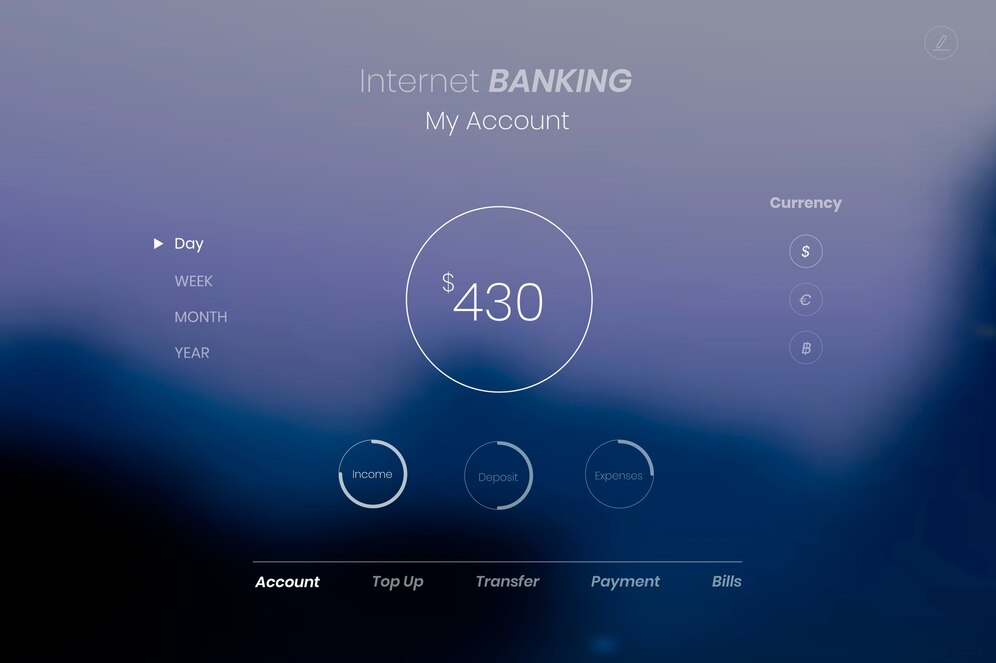
Case Study: A Mobile Banking App Improved Security Without Adding Friction
A mobile banking app observed a high abandonment rate during transactions. Analysis revealed that:
-
Users found security verification steps overly complicated and time-consuming.
-
Many customers failed to complete transactions due to multiple authentication requests.
-
Customers expressed frustration over repeated login and verification processes.
UX/UI Changes Implemented
To address these issues, the UX/UI team introduced:
-
Biometric authentication (fingerprint & facial recognition) to replace manual password entry.
-
A one-tap approval system for secure, frictionless transaction confirmations.
-
Clear progress indicators during verification to reduce uncertainty.
Results:
-
Transaction completion rate increased by 45%.
-
User satisfaction improved due to reduced friction.
-
Security remained strong while enhancing usability.
Balancing Security and User Experience in Banking UX/UI
Why Trust is Critical in Banking and Fintech
Financial services handle sensitive information, so users must feel safe, confident, and in control when managing their money. However, overcomplicated security measures can discourage users from completing transactions or even using the app.
Best Practices for Secure Yet User-Friendly UX/UI:
-
Use multi-factor authentication (MFA) sparingly: Implement biometric authentication and one-tap verification to reduce unnecessary steps.
-
Provide real-time feedback: Show progress indicators and confirmation messages to reassure users.
-
Avoid information overload: Display only essential details to prevent cognitive overload.
Enhancing Security Without Complicating Transactions
The Problem with Traditional Security Measures
Many banking apps use:
-
Complex password requirements that users forget.
-
Multiple OTP verifications that disrupt transactions.
-
Long-winded approval processes that make simple actions tedious.
How to Improve Security UX Without Frustration
-
Implement Biometric Authentication
-
Allow users to log in and approve transactions with a fingerprint or facial scan.
-
Reduce the need for manual password entry.
-
Introduce One-Tap Approvals
-
Instead of typing OTPs manually, use push notifications with a "Confirm Transaction" button.
-
Let users verify transactions through their device’s biometric system.
-
Use Smart Security Prompts
-
Only request additional authentication when a transaction seems unusual or suspicious.
-
Learn user behavior to minimize redundant security steps.
Outcome:
Users experience a frictionless yet secure transaction flow, improving both security and customer satisfaction.
Designing a Seamless User Flow for Banking Apps
Key Challenges in Banking UX/UI:
-
Complex navigation with too many steps.
-
Confusing terminology that leads to errors.
-
Lack of visual cues for important actions.
Solutions for an Optimized User Flow
-
Keep Navigation Simple
-
Group related features together (e.g., "Payments" and "Transfers" under one section).
-
Use clear labels and intuitive icons.
-
Streamline Common Tasks
-
Allow quick balance checks without requiring login.
-
Offer "Recent Transactions" on the homepage for easy reference.
-
Provide Clear Visual Feedback
-
Highlight active steps during transactions.
-
Show confirmation messages immediately after completing actions.
Result:
Users can quickly complete tasks without frustration, reducing transaction abandonment.
Using Micro-Interactions to Build Trust in Fintech UX/UI
What Are Micro-Interactions?
Micro-interactions are small, subtle UI animations that provide feedback and guide users.
Examples in Banking Apps:
-
Button animations that confirm a successful tap.
-
Loading indicators that show when a transaction is processing.
-
Color changes that highlight secure transactions.
Benefits of Micro-Interactions:
-
Enhance user confidence by confirming actions in real-time.
-
Make security measures feel intuitive rather than disruptive.
-
Reduce user errors by guiding attention to important elements.
Outcome:
Users feel more in control, leading to higher engagement and trust in the banking app.
Summary: Key UX/UI Strategies for Banking & Fintech
Key Takeaways
-
Simplify security verification with biometric authentication and one-tap approvals.
-
Minimize transaction friction by reducing unnecessary authentication steps.
-
Optimize navigation and task flows for efficiency.
-
Use micro-interactions to enhance clarity and confidence.
-
Maintain strong security while keeping the experience seamless.
Conclusion
A well-designed banking UX/UI fosters trust and improves user adoption. By balancing security and usability, fintech platforms can create safe, intuitive, and user-friendly experiences that retain customers and encourage engagement.

Share

Keep me postedto follow product news, latest in technology, solutions, and updates
Related articles
Explore all