Understanding User Behavior: The Key to UX/UI Success
Share

User behavior is at the core of User Experience (UX) and User Interface (UI) design. To create a website or application that engages users, drives conversions, and improves retention, businesses must understand how users interact with their platform, what frustrates them, and what keeps them engaged.
A fashion e-commerce site faced challenges with low conversion rates and high cart abandonment. By using behavioral analytics, A/B testing, and data-driven design, the company was able to optimize user experience, refine UI elements, and create a more personalized shopping journey—leading to a significant increase in conversions.
This article explores how behavioral analytics help identify user needs, the role of A/B testing in refining UI, and how data-driven design creates a more personalized experience that keeps users engaged.
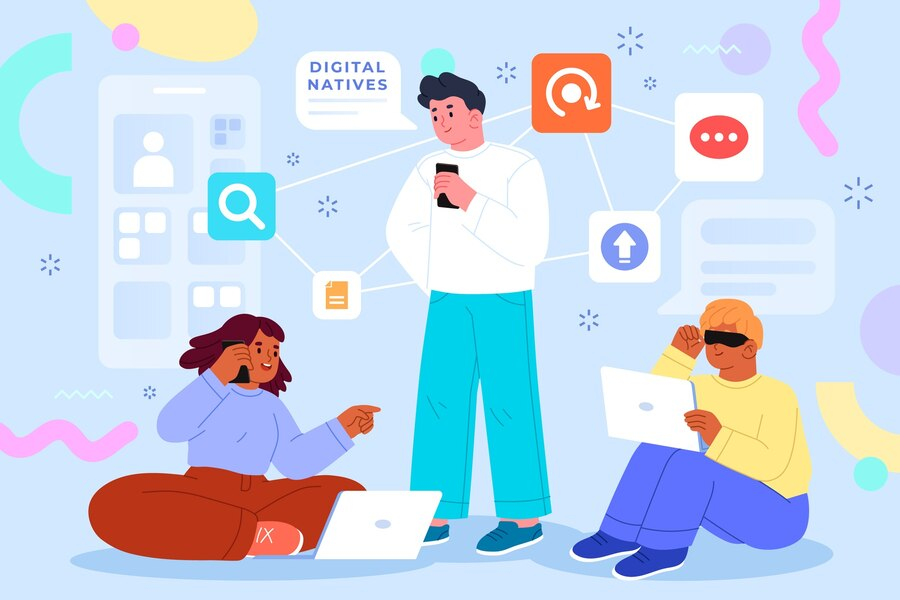
Case Study: How a Fashion E-Commerce Site Increased Conversions by Understanding User Behavior
A leading online fashion retailer experienced a high bounce rate and low conversion rates, particularly on its product pages and checkout process. The company conducted an in-depth analysis and discovered key pain points:
-
Users struggled with navigation, leading to a 20% drop-off before reaching product pages.
-
Product images and descriptions were unclear, causing hesitation and low add-to-cart rates.
-
The checkout process was too long, resulting in cart abandonment of over 50%.
UX/UI Improvements Implemented
-
Behavioral analytics identified where users dropped off and which elements caused friction.
-
A/B testing was used to test different navigation structures, image placements, and checkout flows.
-
Data-driven personalization was implemented to recommend relevant products based on browsing history.
Results:
-
Conversion rates increased by 30%.
-
Cart abandonment dropped by 20%.
-
User engagement improved as visitors spent 40% more time browsing products.
How Behavioral Analytics Help Identify User Needs
What is Behavioral Analytics?
Behavioral analytics tracks how users interact with a website or application, revealing:
-
Where they click, scroll, or drop off.
-
How long they spend on each page.
-
Which products, features, or services they engage with most.
Tools for Behavioral Analytics
-
Google Analytics – Provides insights on user sessions, page views, and bounce rates.
-
Hotjar & Crazy Egg – Uses heatmaps and session recordings to track user interactions.
-
Mixpanel & Amplitude – Helps analyze user journeys and conversion funnels.
How Behavioral Analytics Improves UX/UI
-
Identifies pain points – Detects areas where users struggle or leave the site.
-
Optimizes navigation – Shows which menu options or filters users engage with most.
-
Enhances product discovery – Tracks search terms and frequently viewed products.
Example from the Fashion E-Commerce Case Study:
-
Heatmap analysis showed that users frequently clicked on product images expecting zoom-in functionality, which wasn’t available.
-
After implementing high-resolution image zoom and 360-degree views, product engagement increased by 25%.
The Role of A/B Testing in Refining UI Elements
What is A/B Testing?
A/B testing compares two different versions of a webpage or UI element to see which one performs better based on real user interactions.
Steps to Conduct A/B Testing
-
Identify a UX/UI element to test (e.g., CTA button placement, product images, form fields).
-
Create two versions (Version A: Original, Version B: Modified).
-
Randomly split traffic between both versions and measure engagement, conversion rates, and user interactions.
-
Analyze results to determine which version performs best.
Common UX/UI Elements for A/B Testing
-
Call-to-Action (CTA) Buttons – Position, color, and wording.
-
Navigation Menus – Dropdown vs. side navigation.
-
Checkout Flows – Single-step vs. multi-step checkout.
-
Product Descriptions & Images – Text length, image placement, and carousel usage.
Example from the Fashion E-Commerce Case Study:
-
Version A: Checkout required users to create an account before purchasing.
-
Version B: Checkout allowed guest purchases without account creation.
-
Result: Version B increased completed purchases by 35%, proving that users preferred a frictionless checkout process.
Implementing Data-Driven Design for a Personalized Experience
Why Personalization Matters in UX/UI
Modern users expect tailored experiences that cater to their preferences. Data-driven design ensures that websites:
-
Adapt dynamically based on user behavior and preferences.
-
Recommend products, articles, or services that align with user interests.
-
Offer personalized UI layouts that enhance usability.
How to Implement Personalized UX/UI
-
Use AI-Powered Recommendations
-
Suggest products based on browsing history and past purchases.
-
Customize Homepage Layouts
-
Display recently viewed items and curated product collections.
-
Personalize Search and Filters
-
Remember users’ preferred categories or frequently used filters.
Example from the Fashion E-Commerce Case Study:
-
The platform redesigned the homepage to display "Recommended for You" sections based on past user behavior.
-
Result: Users engaged with recommended products 40% more, increasing sales.
Summary: How Understanding User Behavior Enhances UX/UI
Key Takeaways:
-
Behavioral analytics helps identify user pain points and areas for improvement.
-
A/B testing validates design decisions, leading to data-backed optimizations.
-
Data-driven personalization improves engagement by tailoring experiences to individual users.
Conclusion
A deep understanding of user behavior is essential for creating effective UX/UI. By leveraging behavioral analytics, A/B testing, and data-driven personalization, businesses can design digital experiences that engage users, increase conversions, and improve customer satisfaction.
As the digital landscape continues to evolve, companies that invest in user research and iterative UX/UI design will gain a competitive advantage, ensuring their websites and applications remain intuitive, efficient, and user-friendly.

Share

Keep me postedto follow product news, latest in technology, solutions, and updates
Related articles
Explore all